

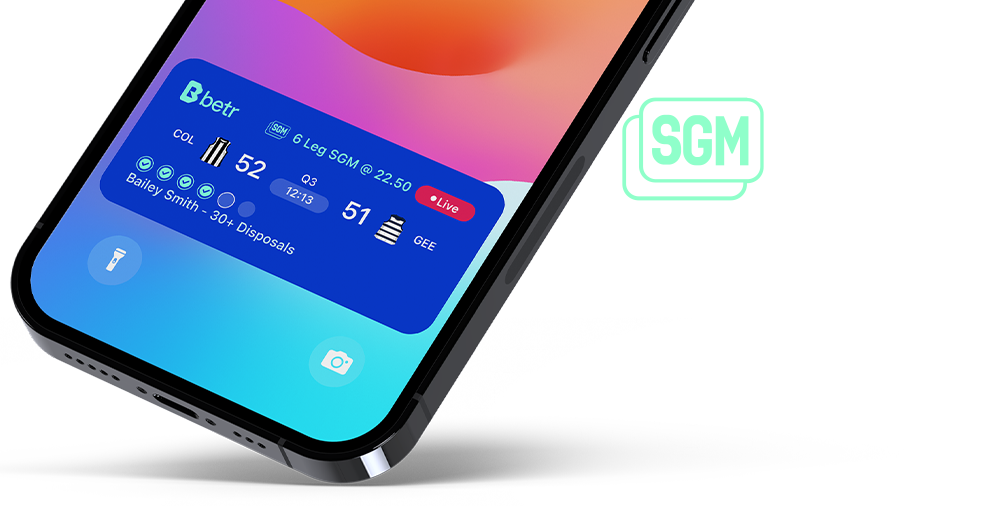
Follow the Game Score and your Same Game Multis from your home screen with betr's Live Tracker. Tracking your live scores and SGMs has never been easier.
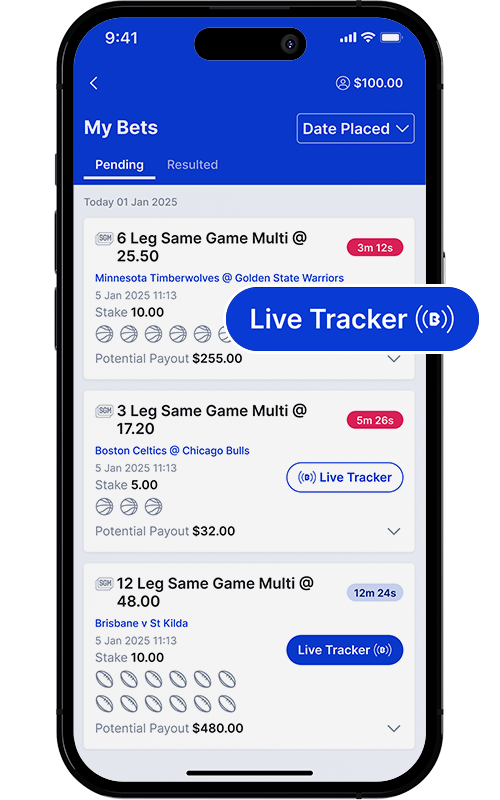
Step 1
Place a Same Game Multi bet
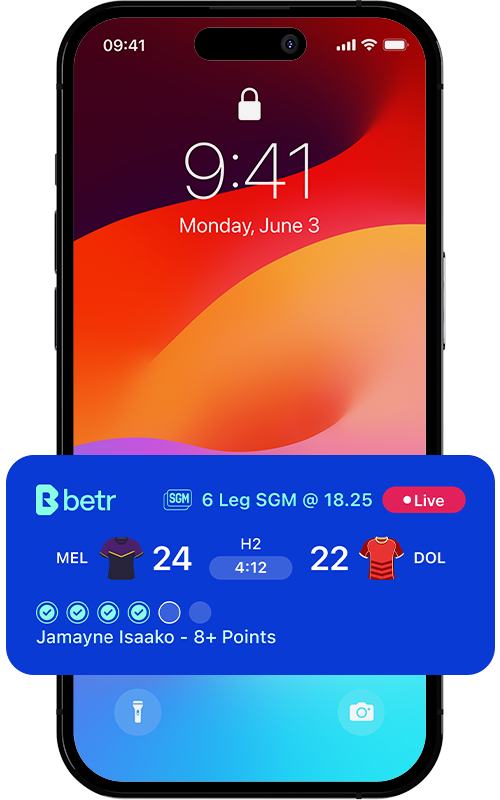
Step 2
Follow from your home page
Live Tracker FAQs
What is Live Tracker?
Live Tracker is an in-app functionality that allows punters to follow the game from their home screen.
Keep up to date with the score, game clock and how your SGM bet is tracking without having to open the app!
What Bets display on the Live Tracker?
Live tracker is available on SGM bets only on eligible leagues.
What leagues are the Live Tracker available?
AFL, NRL, NBA, NFL, MLB
How does it work?
Live Tracker is initiated and controlled by you within the betr app.
When you place an SGM bet, the Live Tracker will launch on your iPhone lock screen and appear 10 minutes before the game, and display in the dynamic island when your phone is unlocked.
For first time users, make sure you click “Allow Live Activities from betr” to be able to continue to use the feature. You may also be prompted to “Allow Frequent Updates”, you will need to click “Enable” to continue using the feature.
Each bet will launch automatically. If you would like to clear your Live Tracker, you can swipe it away on your lock screen. You can turn Live Tracker on and off by using the Live Tracker toggle in your pending bets.
There is a maximum of 5 Live Trackers that can be used at one time.
Who can use Live Tracker?
Live Tracker is an iPhone only product. Users must have an iPhone 14 pro or later models to use the feature. Users must also be on iOS 17.2.
Can I turn it off?
Yes. If you do not want to track the game from your home screen, simply click “Don’t Allow” when the Live Tracker appears for the first time. If you change your mind, simply click the “Live Tracker” button on your pending bets and/or turn on Live Activities in your phone settings.
To turn the Live Tracker on or off in your phone settings, go to: Settings > Apps > betr > Live Activities, and then enable or disable the “Allow Live Activities” button. You are in control of whether you want Live Tracker to be displayed.
The arrow on the Live Tracker won’t work?
After your bet has won or lost, the arrow will disappear from the Live Tracker - You can only cycle through your pending legs whilst your bet is still live.
Also, if you attempt to use the arrow button on the live tracker and you do not have biometrics enabled (FaceID), you will be will not be able to click through your legs with your arrow button.
There is an issue with the Live Tracker. What should I do?
Contact our customer service team here or use the Live Chat.